23rd of April, 2026
Vertical and horizontal scaling are two concepts which become important as more users start using a piece of software. As you might know, software runs on hardware, and this hardware has finite resources. This means that there are limits to the amount of work this hardware can perform. If the software demand on the hardware exceeds these resource limits, any number of issues can start popping up. Users might not be able to use the software, they might have to wait very long, or the entire system could crash, resulting in some angry customers…
In this short post I’ll explain these two scaling concepts using an analogy based on a library and dictionaries 📚.
Imagine we have a library, and in this library there is a single dictionary. Now imagine we have a class of children who all want to translate a word. Seeing as there is just one dictionary this will take a long time. Upon obtaining the dictionary, each child will search for the translation of their word, before passing the dictionary to the next person in line.
What if, instead of a physical dictionary, we upgraded the library to have a digital dictionary running on a computer. While we are constrained to one computer, finding the translation for a word will most likely be much faster. Instead of rifling through the dictionary pages you simply enter the word and get the translation.
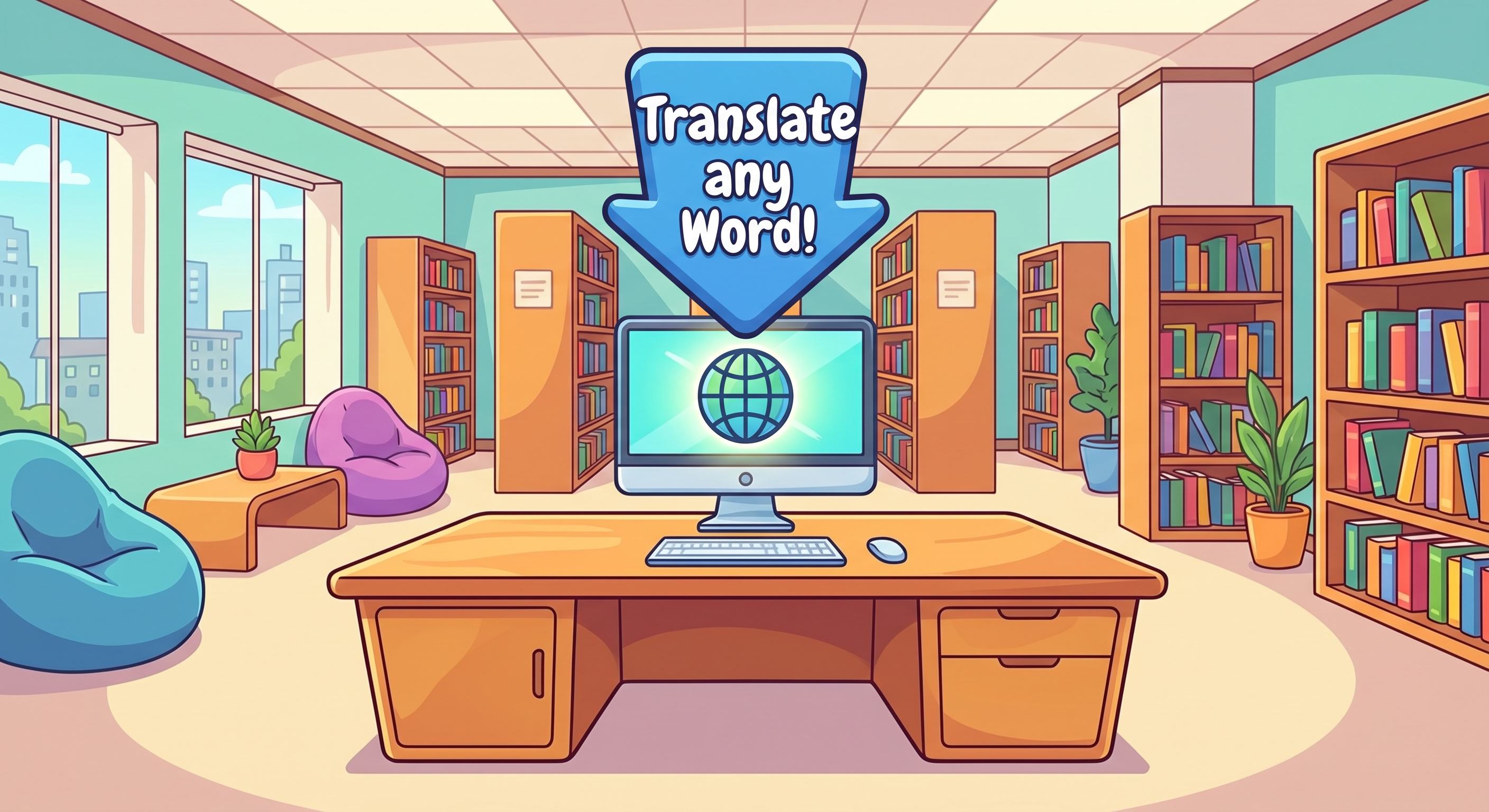
In this example the library is analogous with hardware. You can see how improving the library improved the speed of the software (translating words). In the hardware world vertical scaling consists of increasing hardware capacity. This could mean adding additional storage to store more data or upgrading a processing unit to go from four to eight processors.
Vertical scaling is quite easy to do. However, there are limits to the amount of improvements which can be made using vertical scaling. The amount of hardware improvements which can be made to a single machine are limited. If usage exceeds these limits, we need to start scaling horizontally.
With horizontal scaling we spread the load across multiple machines. This way we reduce the load on our single machine. Looking back at the library, what if instead of one dictionary we have 9 dictionaries. This way each child can use their own dictionary, significantly speeding up translation works! A downside to this approach is that we are duplicating all our data. Each of the 9 dictionaries contains exactly the same words. To prevent this duplication we can instead split up our data into 9 distinct parts. This process is called sharding. In the dictionary example this could translate to 9 dictionaries, where each dictionary covers ~3 letters. After sharding, these 9 dictionaries take up about the same amount of space on the library shelves as the original dictionary did!
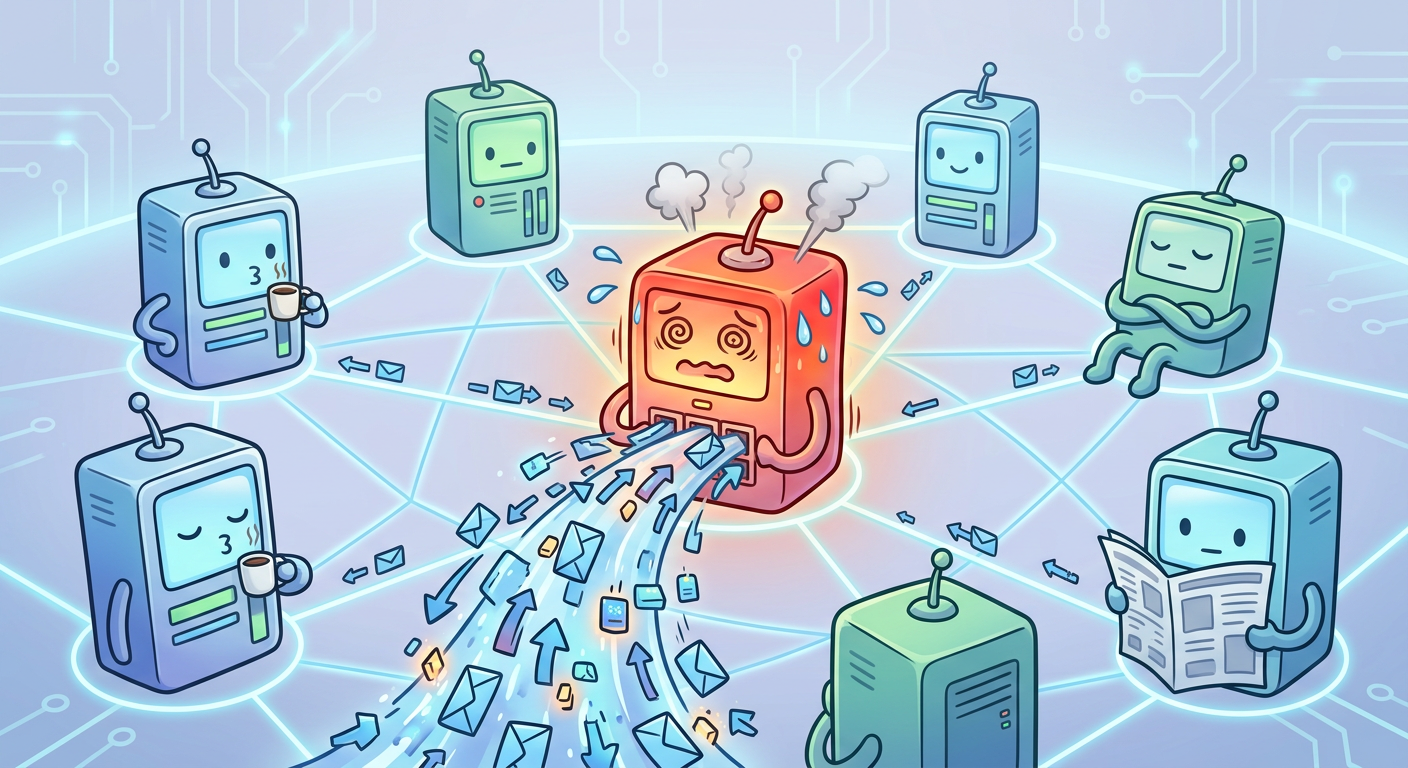
With sharding there can still be performance issues. What if all children want to translate the word ‘chicken’? All children will be waiting to read the first dictionary, effectively bringing us back to the first scenario. This is called the ‘hot node problem’ or having ‘hotspots’. These problems can’t easily be solved by increased vertical or horizontal scaling, and oftentimes point to bad distribution of data (you didn’t expect all children to be interested in the word chicken?).
Something else to think about: What if someone checks out the first of the 9 dictionaries from the library and loses it? We now have no way to translate words starting with a, b and c… Luckily for us there are preventative measures we can take against this! Replication, as the word says, involves replicating data to increase its availability and fault tolerance. Usually this means having > 1 replica’s of each shard. This way if one of the replica’s breaks, gets lost, burns in a fire, there is still another copy which can be used. If a replica completely breaks, a new replica can be created using the data from the remaining replica’s.